
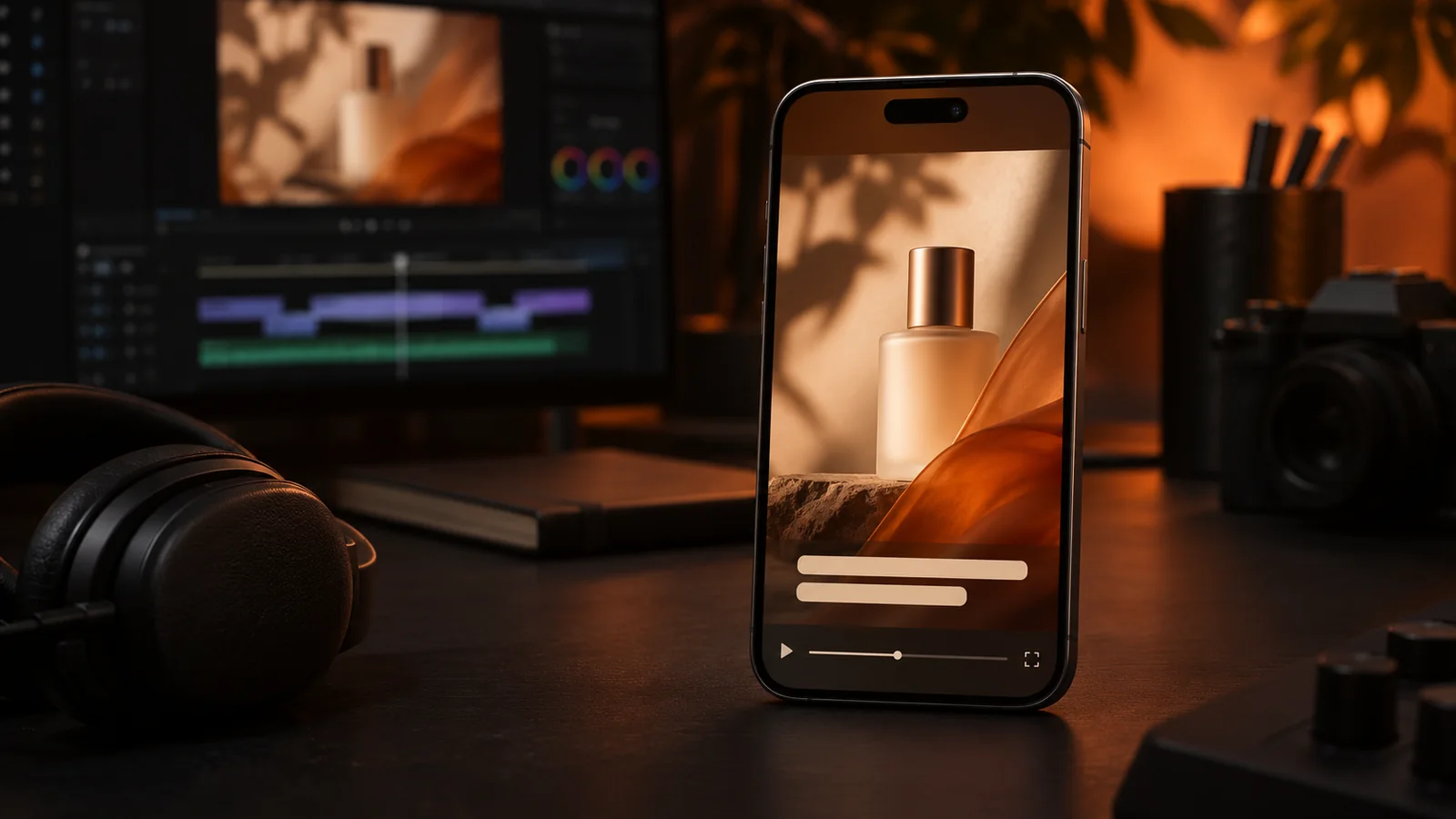
You approve the edit of a brand film. On a large screen, everything looks clear. On a phone, the captions cover the product name and disappear before you can finish reading. Both issues are easier to fix at the storyboard stage, when you can still move a visual, shorten a sentence or hold a shot longer.
Make room for captions in the storyboard
For each shot, mark what viewers need to read, hear and see. In a fictional film about a refillable bottle, the voice says “Unscrew the pump” while a hand demonstrates the action. Position the caption so the pump and fingers remain visible. If a shot already includes a headline or price, spread the information across several shots to give viewers time to read.
Review the text while watching the video
In its explanation of WCAG 2.2 criterion 1.2.2, the W3C describes how synchronized captions make dialogue and meaningful sounds accessible. If a click confirms that the bottle has locked and the picture alone does not show it, caption the click. Check product names and numbers, then watch the edit to verify when each caption appears and disappears.
Choose deliverables for each channel
Prepare an export with captions burned into the picture where you want their position and appearance to stay fixed. For a compatible web player, also deliver a clean video and a WebVTT caption track that viewers can turn on. For a bilingual release, prepare one track per language and check the timing again after translation.
WOLARIX analysis · check the video at its viewing size
Open the export on a phone in the intended viewing interface if possible. Watch it muted first, then turn on the sound to check synchronization. Ask someone seeing the edit for the first time to explain the message and name the action they are expected to take. If they miss a price, gesture or word, note the timecode so you know which shot to revise before delivering the vertical and horizontal versions.