
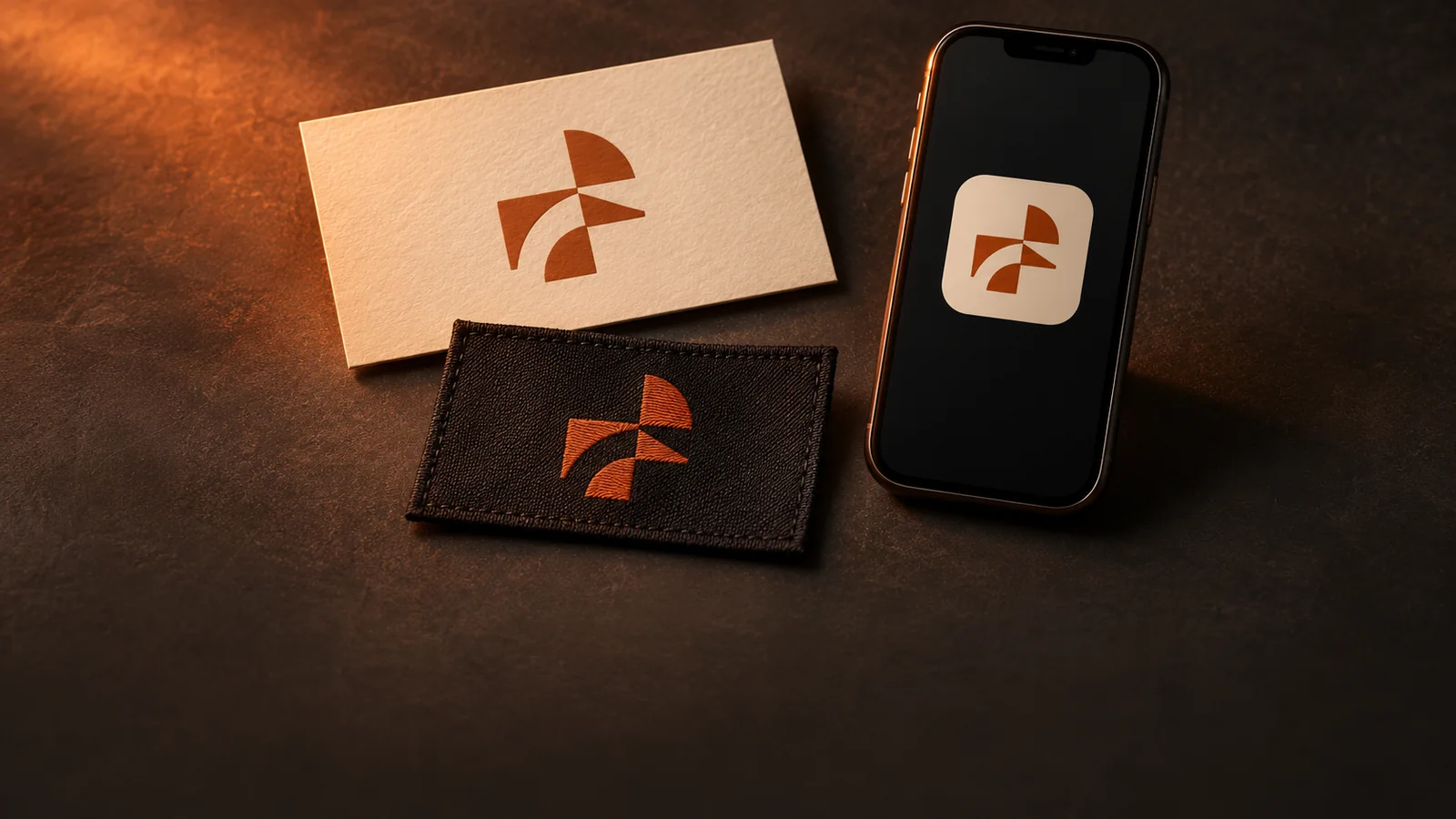
On handover day, a file that works in your email signature may cause trouble on a shop sign. A logo kit helps everyone choose the right version from the start. Before signing off, pick three real applications and ask your team to find the file they would use for each without asking for help.
Match the file to the job
For a website, ask for SVG where the platform supports it. A logo drawn as vector artwork can then scale while keeping its edges sharp. For tools that require a raster image, supply a transparent PNG at suitable pixel dimensions. For production, ask your supplier which format and settings it requires. A PDF can contain vector paths or raster images. Check what is inside before handing it to a sign maker.
Test each variant before exporting it
Try the primary lockup in the site header and the symbol on its own in a square profile image. Check both on light and dark backgrounds and against a representative photo. Prepare a one-colour version if the artwork will be printed with a single ink. For embroidery, ask the supplier to confirm size and detail on a physical sample.
Document the choices on one page
For each variant, specify its intended use, suitable backgrounds and the minimum size you have tested. Give files readable names such as logo-horizontal-light-background.svg. Include a web accessibility note as well. When the logo image is the only content of a link to the home page, the W3C recommends alternative text that describes the destination, such as “Brand name home”.
WOLARIX analysis · rehearse the handover
Imagine a fictional clothing brand. Ask the person managing its website, the person preparing its social posts and the label supplier to choose their files independently. Note where they hesitate, then revise the filenames, the guide or the variants they struggled with. Keep the editable master in a clearly labelled folder and date the kit you share with suppliers. That makes it easier to replace the full set the next time the logo changes.