
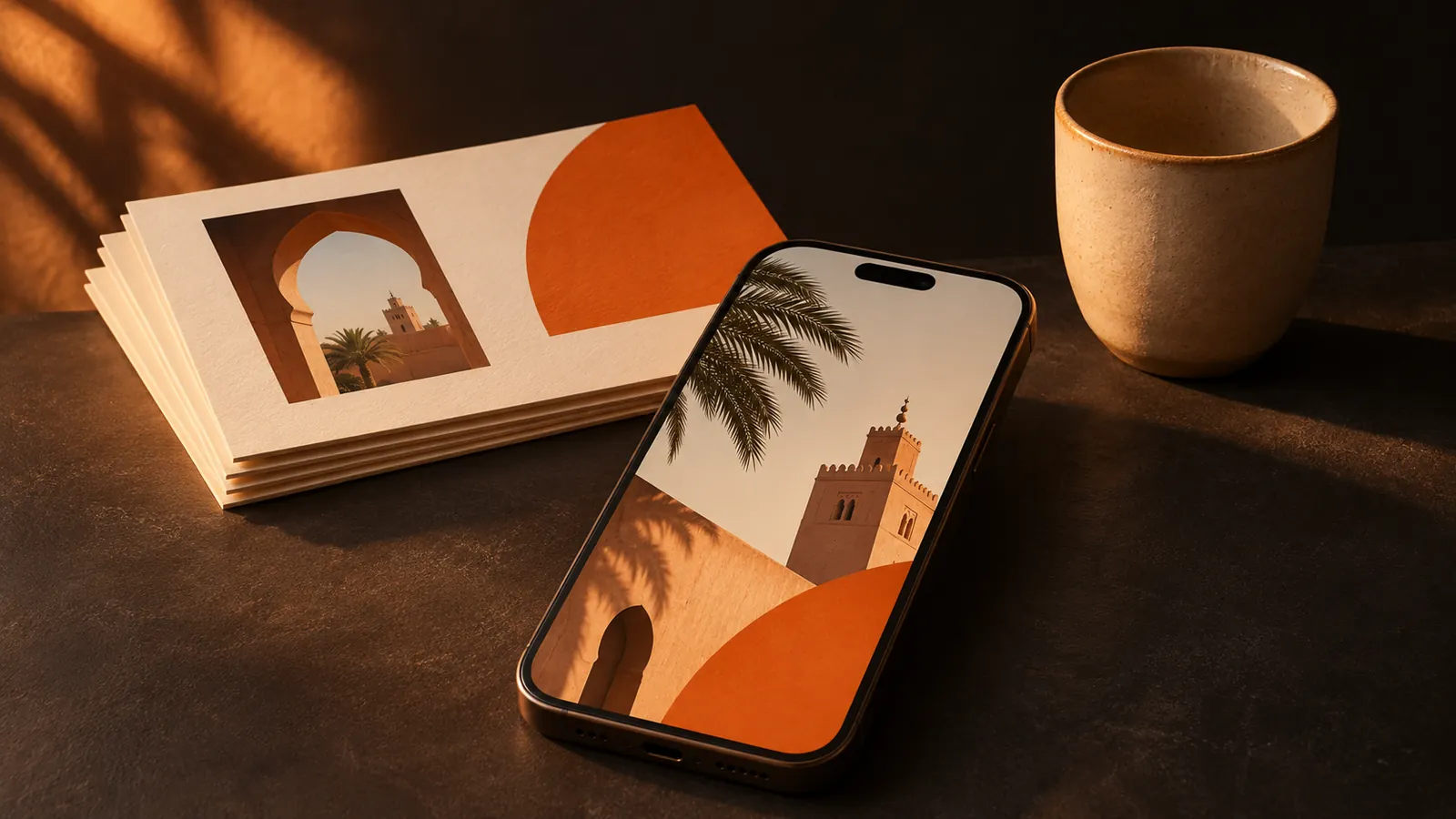
A strong photo gets people to look. To turn that attention into a conversation, the visuals also need to explain what is on offer and how to take the next step. Three assets are enough to set up a coherent first launch.
Give people a reason to look
Choose one message for the lead visual. For a small-batch cup, you might show the material and announce the release day. Prepare a vertical crop for stories and check that the product, name and date remain visible on a small screen.
Put the useful answers on one card
Include the size, available options, the price where it can be displayed, and delivery or collection details. Give each option a short name and use it consistently in the visuals and replies. If you use a WhatsApp Business catalogue, give each item a clear title and at least one product image.
Use stories to help customers decide
Break the sequence into three parts. Show the product in use, share one useful detail about its size or material, then explain how to order. Prepare a short answer to the question you expect to hear most often, so the conversation starts with something useful.
The WOLARIX test before sharing
Send the visuals to someone who has never seen the offer. Ask which option they would choose, how they would order and what information is still missing. If they have to reopen several images to work it out, simplify the final card and make the contact details easier to spot.