
Ask for the specifications
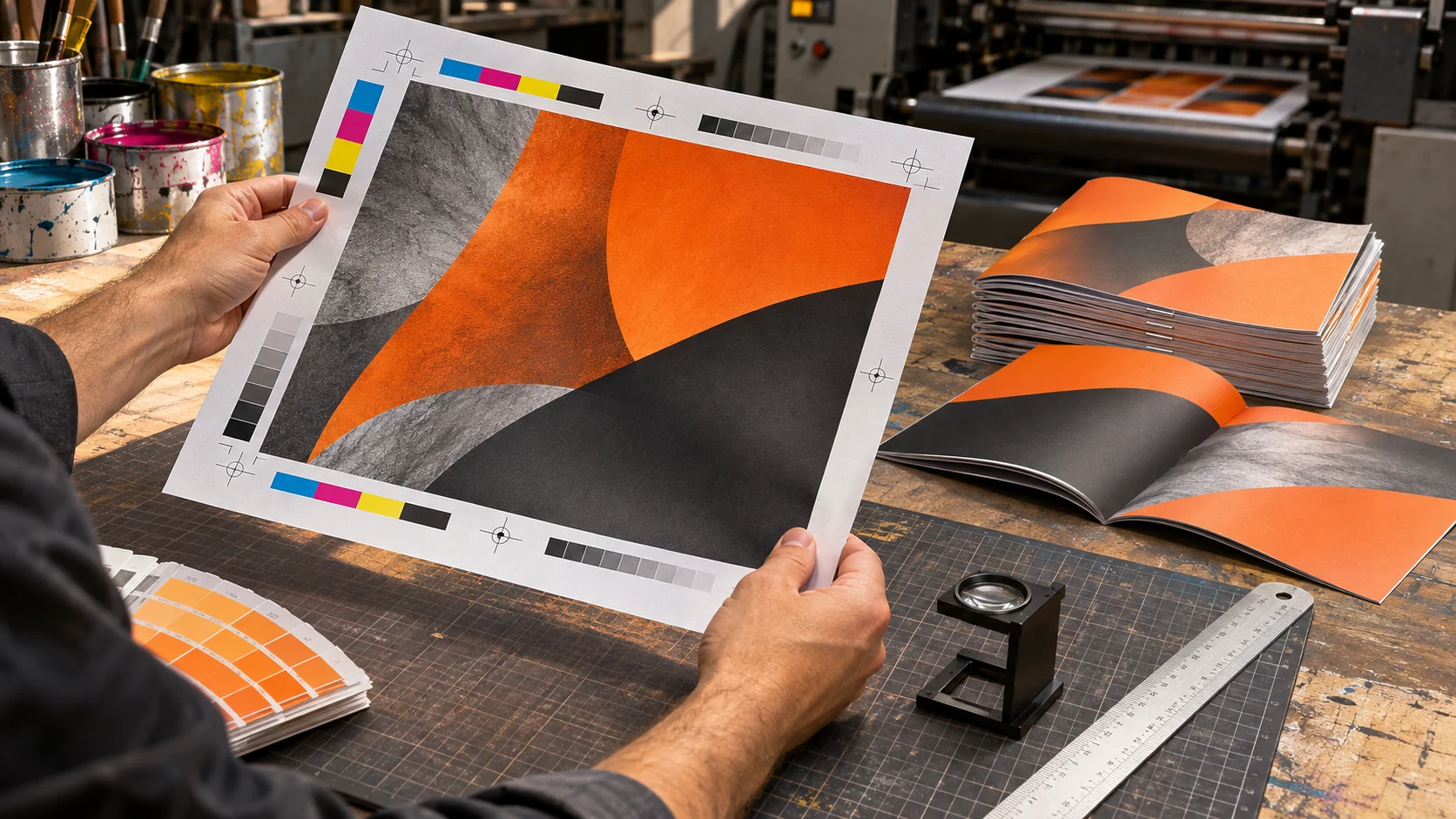
Ask the printer for the finished size, template, bleed, safe area and required PDF format. These vary with the product and printing process. Follow the supplied specifications rather than applying one preset to every job.
Check images and colours
Assess image resolution at the final print size. Enlarging an image can reduce detail. Confirm the colour profile and spot-colour handling with the printer. Colours on a bright display can differ from the printed result.
Review the document details
Review copy, contact details, dates and quantities. Check fonts, linked images and elements near the trim edge. For special finishes, clearly identify the relevant areas according to the production instructions.
Inspect the final PDF
Open the exported file and review every page. Test QR codes on an actual-size proof. For a large order or demanding finish, discuss a physical proof. Keep the approved file and its specifications to make reprints easier.